
Free Online Image Tools for Folder & Image Workflows
Compress, convert, and manage images and folders directly in your browser. Free, no login, unlimited files and sizes.
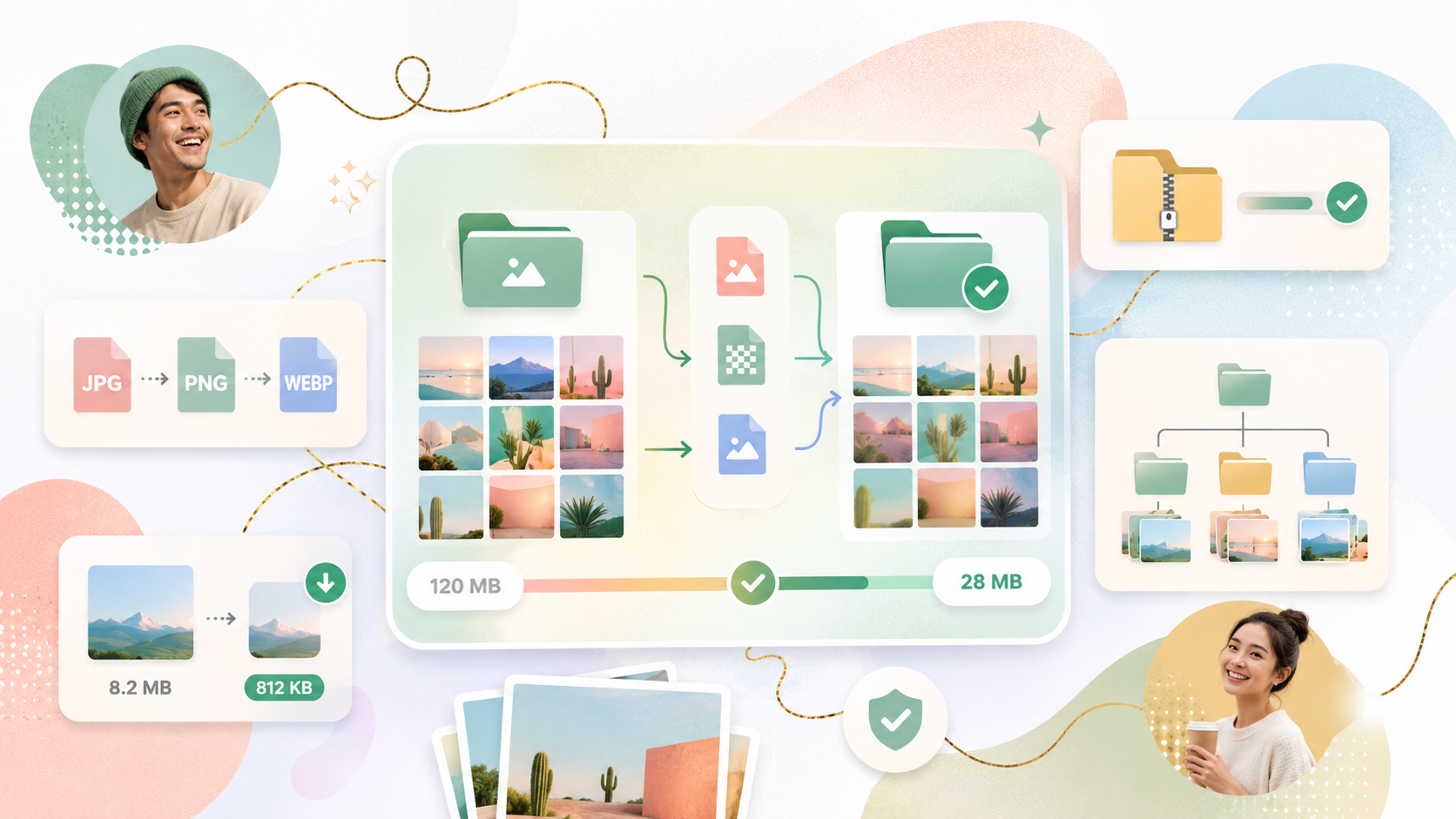
Tools for Everyday Image Work
Compress, convert, and manage your images in seconds. Handle product photos, event albums, website assets, or batch folders — all directly in your browser, without uploads or sign-up.



The value is not just smaller images.
It is less cleanup.
Keep folder structure
Product categories, event albums, website pages, and campaign folders stay organized.
Keep file names
Output files can be mapped back to original files without manual renaming.
Local processing
Images are processed in your browser and are not uploaded to the server.
No friction
Free, no login, no quantity limits, and no file size limits for core workflows.
Use TinyKits anywhere image batches need to stay organized
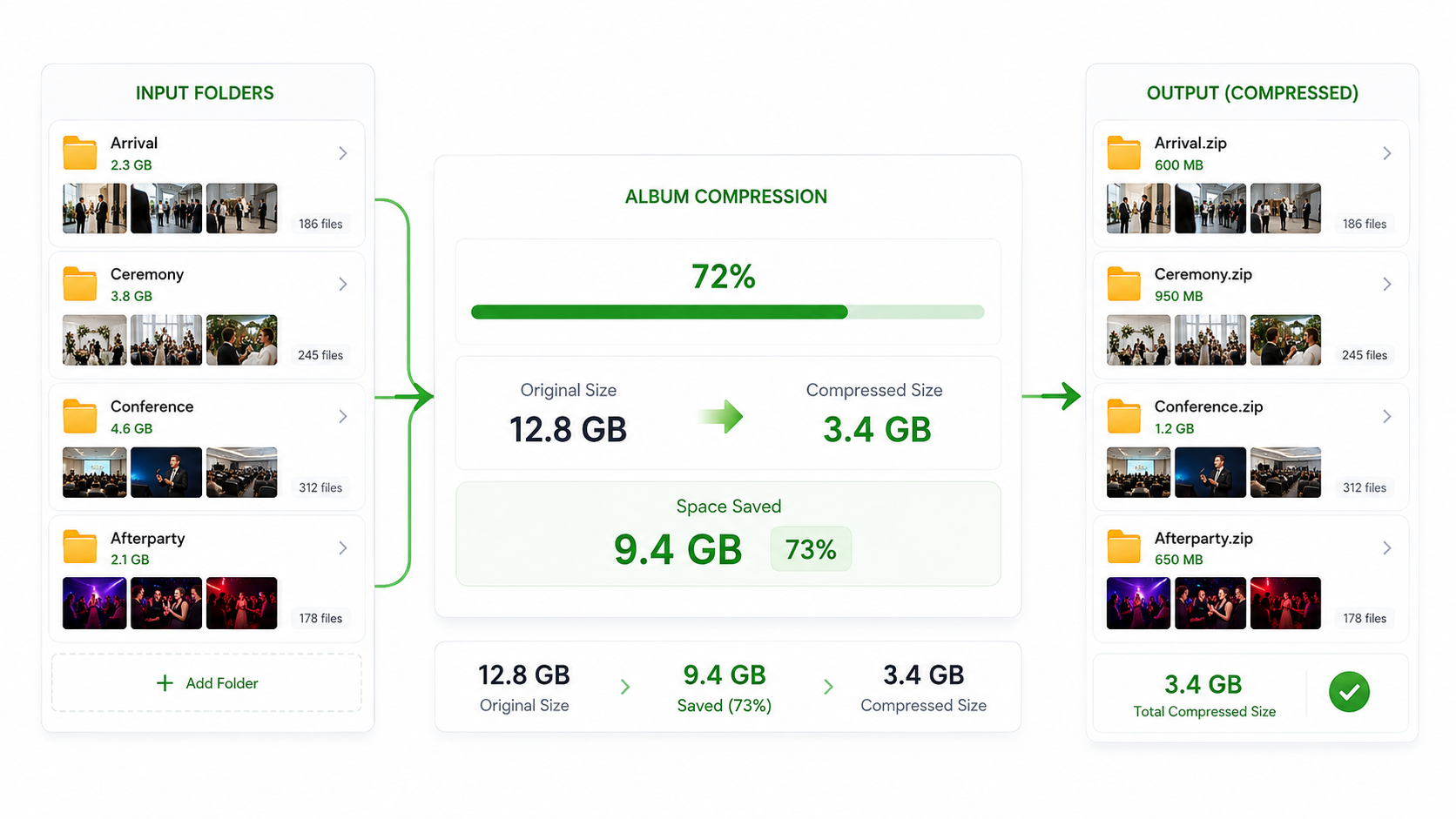
Core tool
Image Folder Compressor
Compress whole image folders in one workflow. Keep folder structure and file names, reduce file size, and download a ZIP ready for replacement or upload.- Folder compression
- Keep names
- Keep structure
- No upload
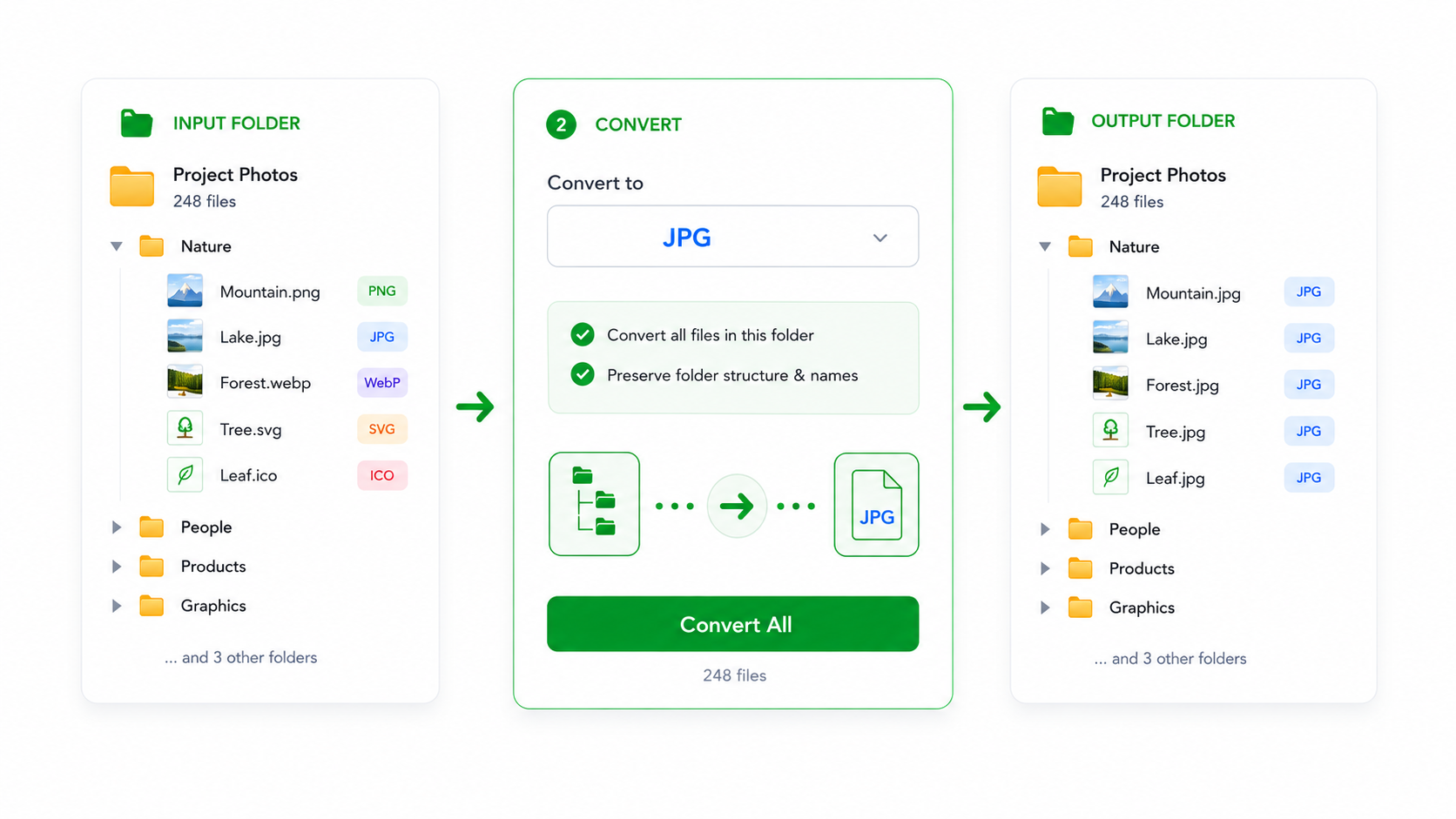
Conversion
Image Format Converter
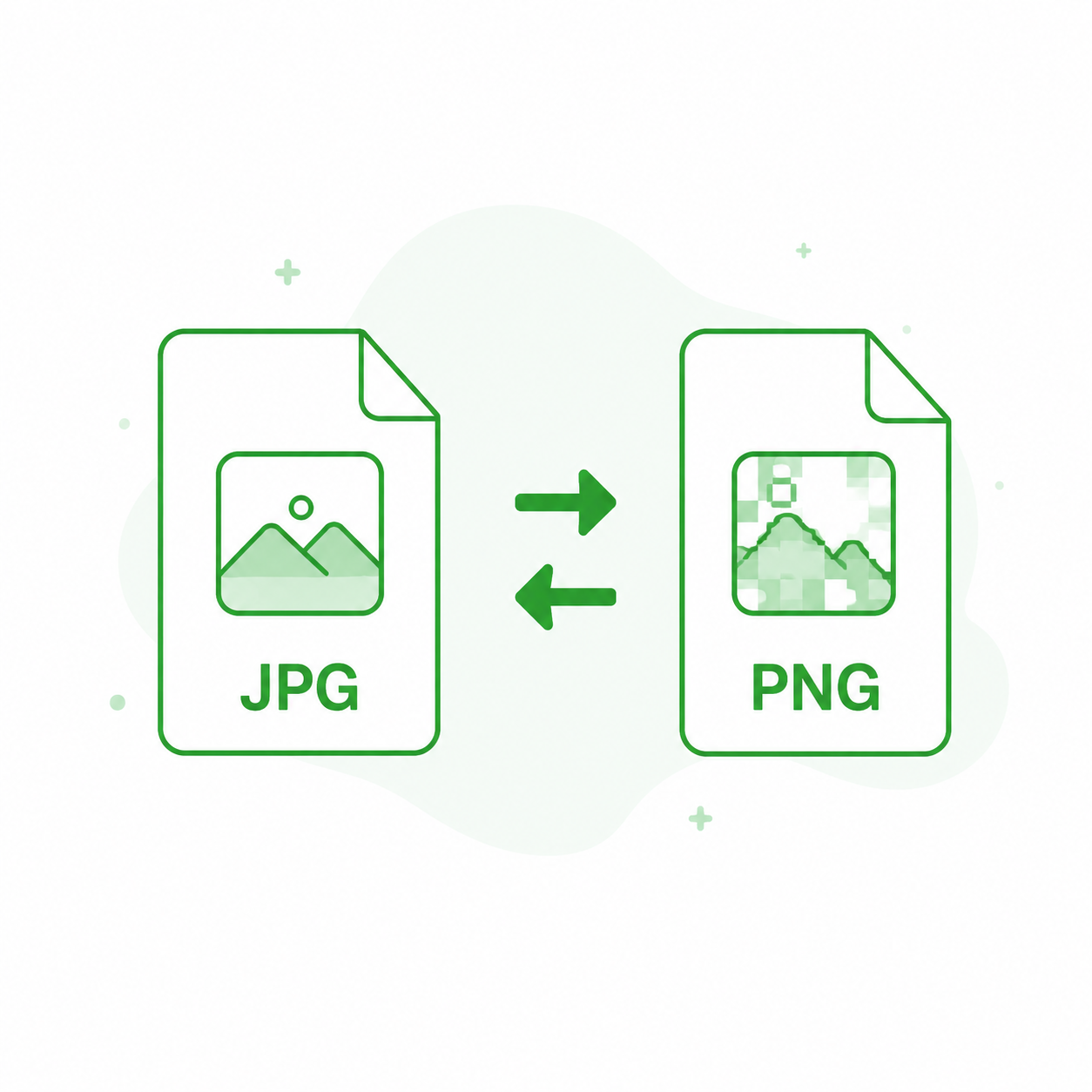
Convert image batches and folders between common formats, while keeping the original folder layout easy to understand.- JPG / PNG / WebP
- Batch conversion
- Folder workflow
- Local processing
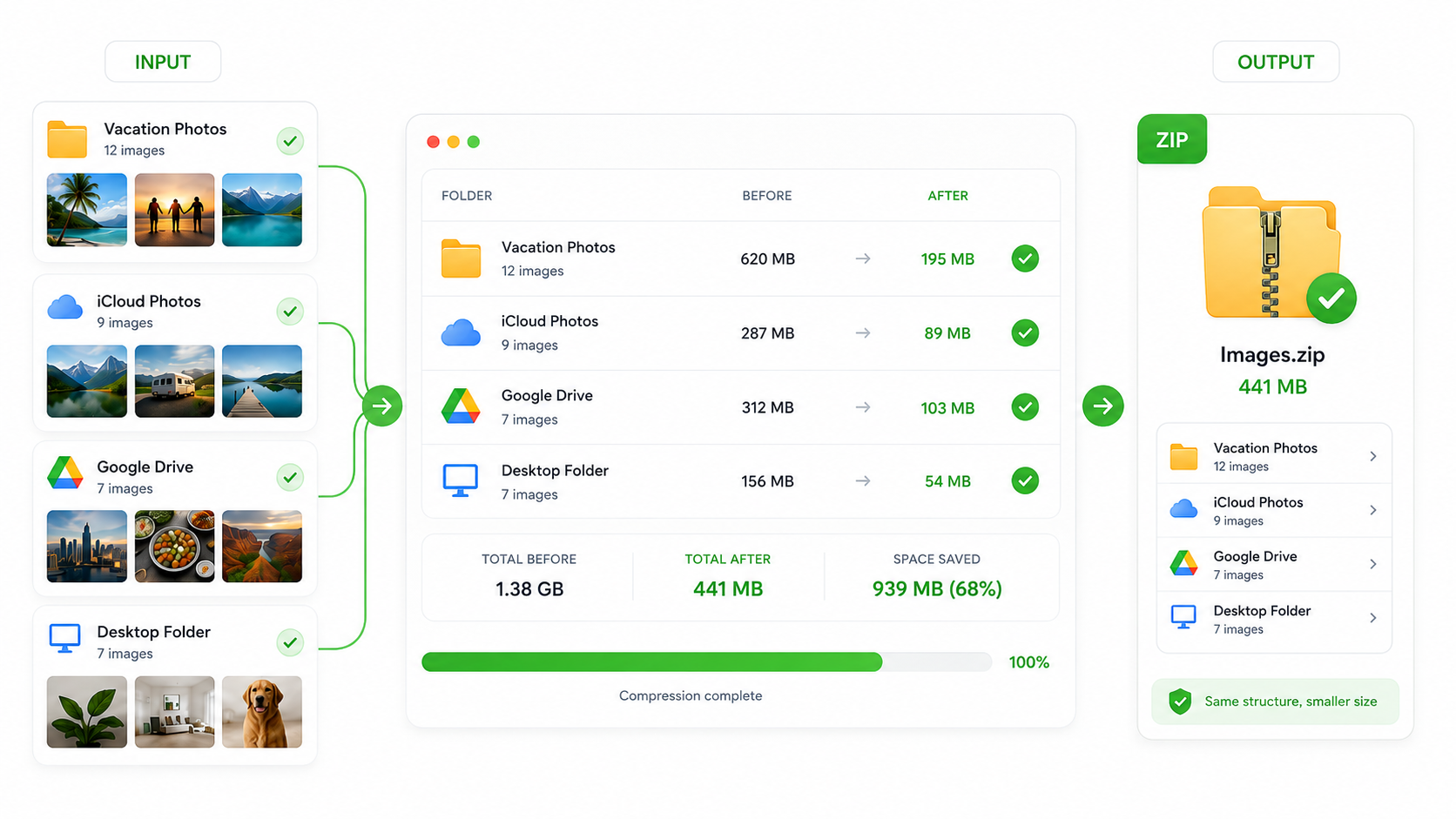
ZIP output
Compress Images to ZIP
Select images from multiple sources, compress them locally, and export a smaller ZIP that is easier to share, store, or upload.- Download ZIP
- Smaller files
- Ready to share
- No login
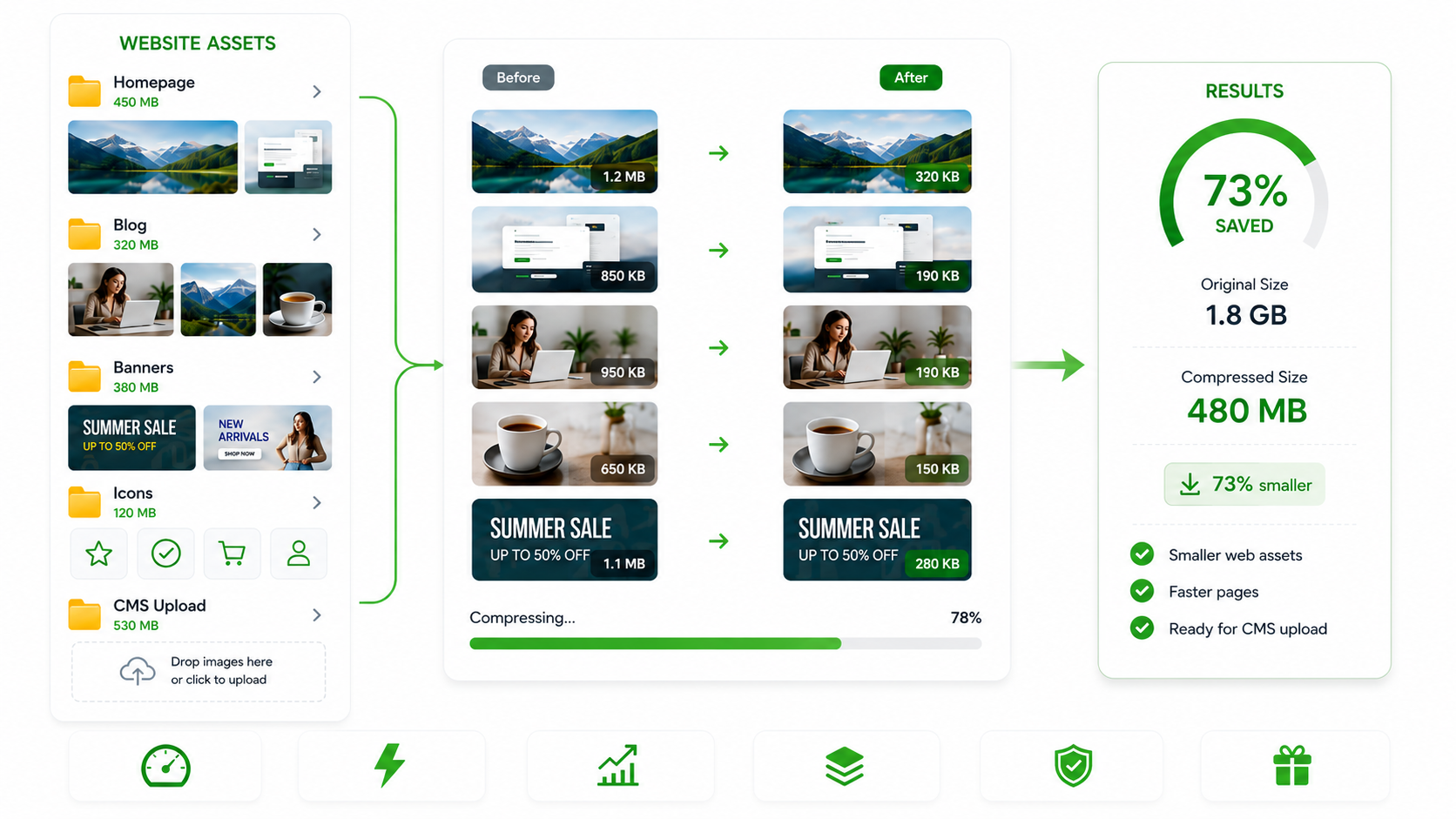
Website assets
Web Image Compression
Optimize website images, landing page assets, CMS uploads, banners, icons, and blog visuals before publishing.- Before / after sizes
- CMS ready
- SEO friendly
- Faster pages
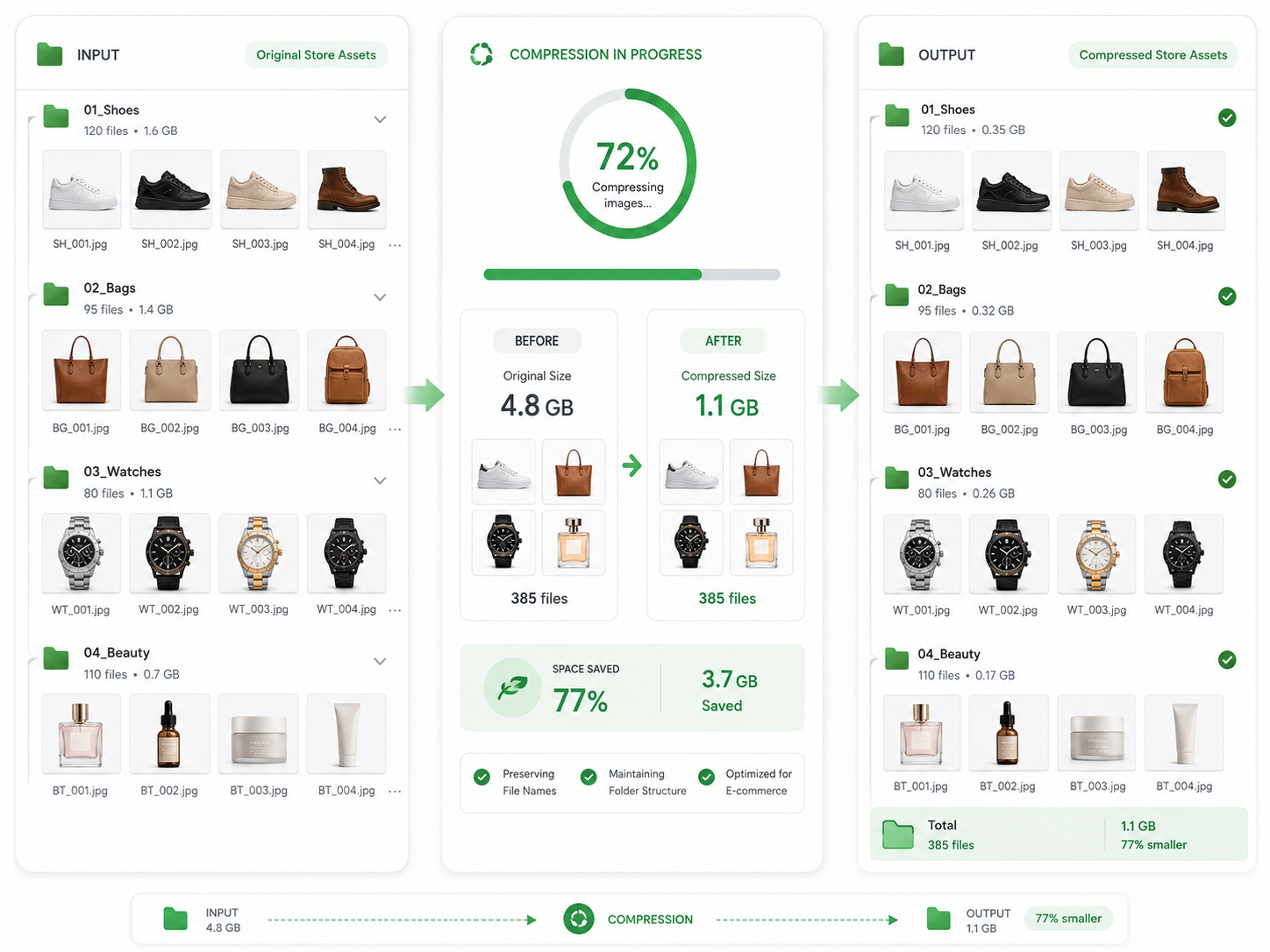
E-commerce
E-commerce Image Compression
Compress store asset folders by SKU, category, or product type. Keep file names and folder structure so optimized images are easier to replace.- SKU folders
- Product photos
- Store ready
- Direct replacement
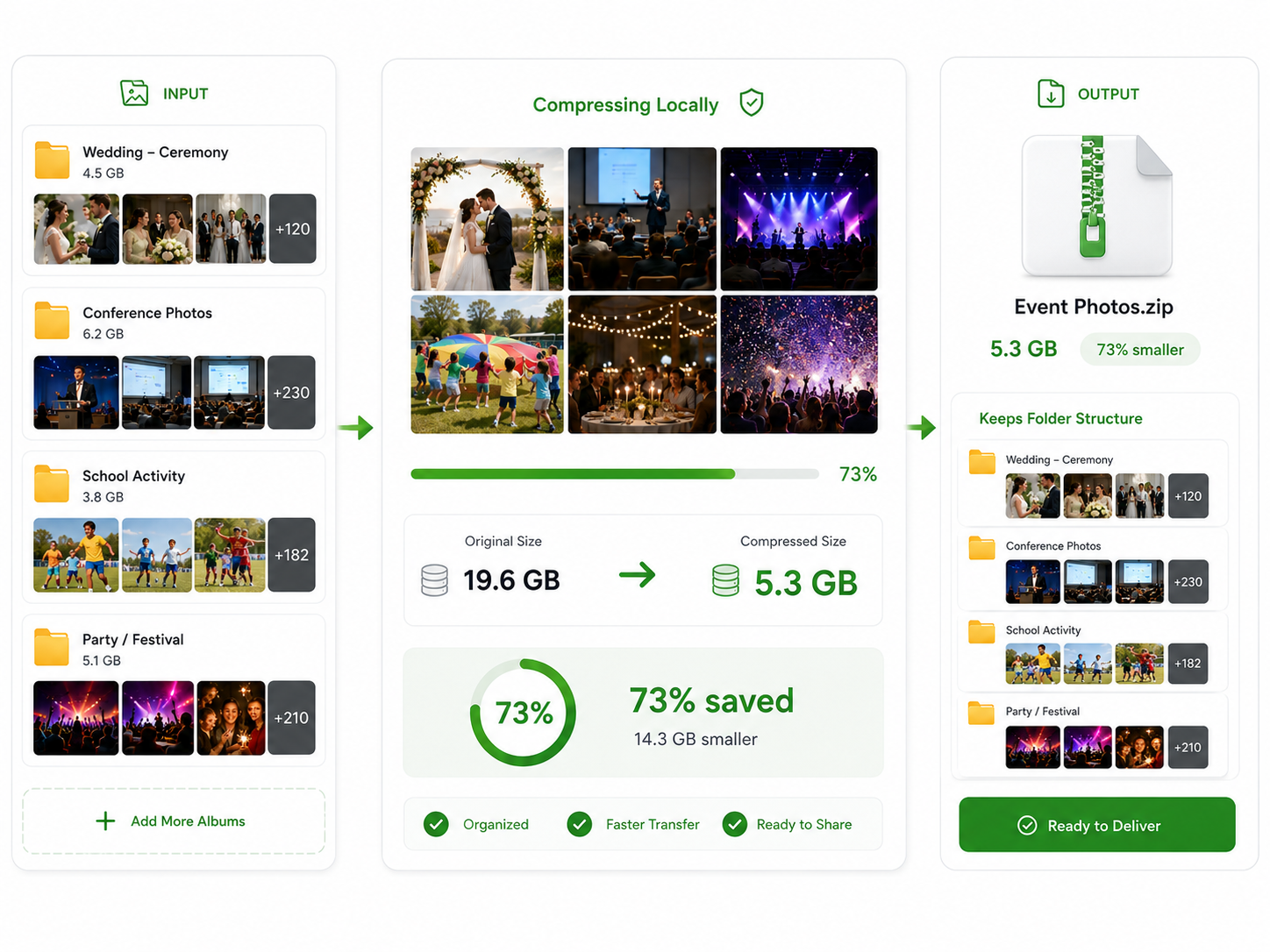
Event albums
Event Photo Compression
Compress large event albums for weddings, conferences, activities, schools, camps, and campaigns while keeping albums organized.- Album folders
- Large photo sets
- Space saved
- Ready to deliver
FAQ
Quick answers about TinyKits image tools.
Is TinyKits free?
Yes. TinyKits is built around free online image compression and conversion workflows.
Do I need to sign up?
No. The core tools are designed to start quickly without account friction.
Are my images uploaded?
TinyKits prioritizes local browser processing whenever possible, so your images stay on your device.